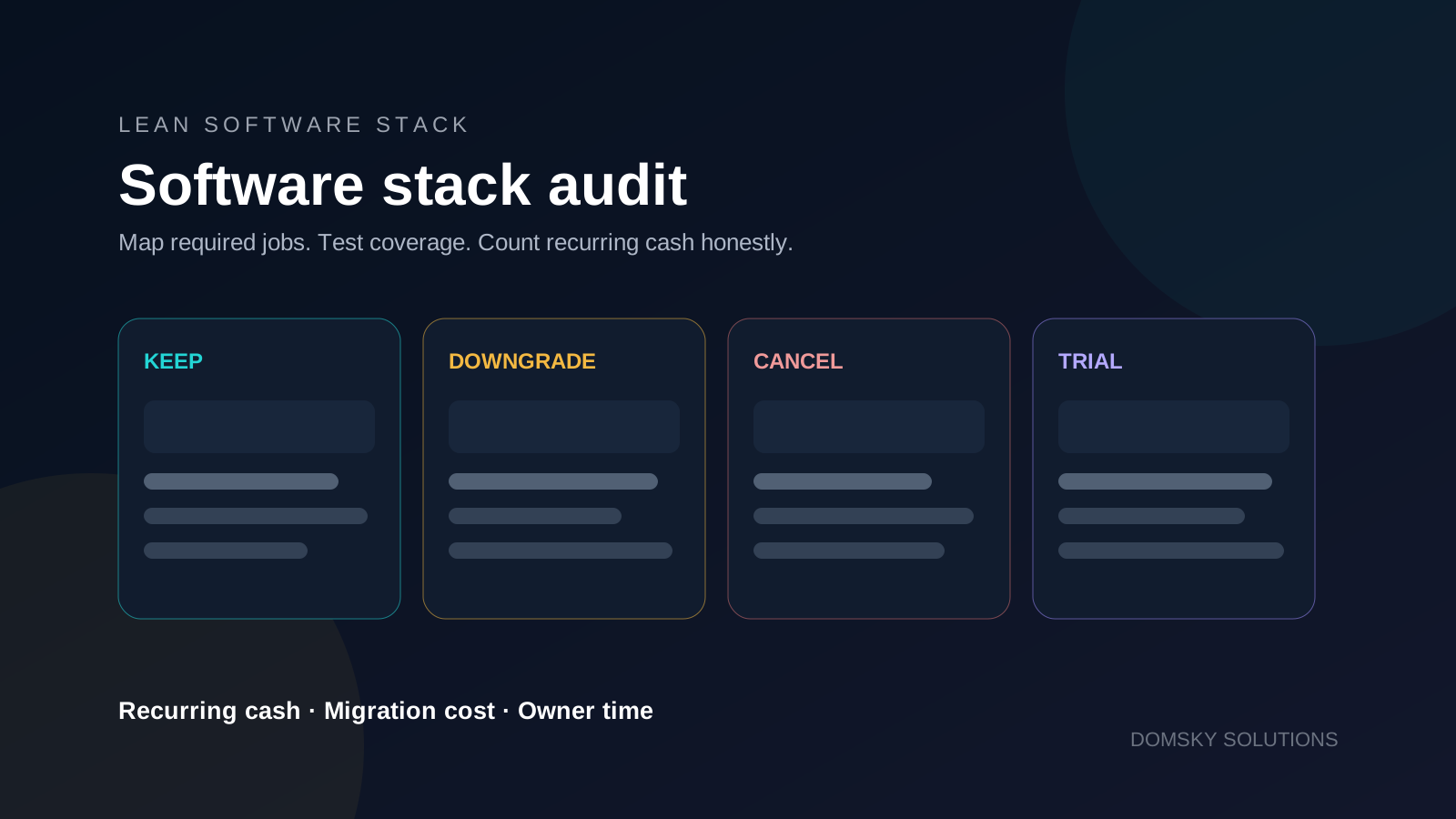
A smaller software stack is useful only when it still covers the work. Cancelling an overlapping subscription can reduce cash expense. Removing the only reliable export, billing or delivery path can create a larger operational problem.
This audit turns a broad “replace SaaS with AI” idea into a decision process. Use the SaaS stack calculator alongside the worksheet, and verify changing product facts using Domsky’s research method.
The seven-step audit sequence
- 01
Inventory
Record every recurring software payment and normalize billing periods. - 02
Separate costs
Keep software cash, outside services and owner time in distinct columns. - 03
Map coverage
Connect each tool to the business jobs and safeguards it provides. - 04
Calculate
Compare old recurring cash with retained and replacement recurring cash. - 05
Decide
Choose keep, downgrade, cancel, trial or buy nothing for each item. - 06
Protect
Check exports, contracts, ownership, integrations and rollback options.
The final step is a controlled trial and review. Do not cancel the old path until the proposed replacement has completed the real job with acceptable quality, reliability and recovery options.
Start with jobs, not logos
Tool names encourage feature comparison. Jobs expose the requirement. “Email platform” is a category; “collect consent, deliver a lead magnet, send a welcome sequence and export subscribers” is a set of jobs that can be tested.
| Required job | Current coverage | Proposed coverage | Evidence to check | Risk if missing |
|---|---|---|---|---|
| Collect subscribers and consent | Current email platform | Retained or trial platform | Form, consent record and export test | High |
| Create researched drafts | General AI assistant | One retained assistant | Source handling and output review | Medium |
| Schedule appointments | Scheduler | Lower plan or calendar feature | Time-zone and confirmation test | Medium |
| Store source files | Cloud storage | Retained storage | Ownership, version and recovery test | High |
The goal is coverage with fewer unnecessary overlaps. When assistants overlap, compare ChatGPT, Claude and Gemini by the work you need rather than paying for several tools by default.
Step 1 — Build a complete inventory
Use invoices, card statements and account billing pages. Normalize annual payments to a monthly equivalent for comparison, but retain the real renewal date and contract terms. A normalized number does not imply that the provider offers monthly cancellation or a refund.
| Field | What to record |
|---|---|
| Tool and plan | Exact product and current plan |
| Billing | Actual amount, interval, renewal date and owner |
| Required jobs | Work the business still needs |
| Unique safeguards | Exports, history, permissions, recovery or integrations |
| Usage evidence | Who used it, for what and how recently |
| Decision | Keep, downgrade, cancel, trial or buy nothing |
Step 2 — Separate software cash, services and owner time
A software bill, a contractor invoice and the owner’s time are different measures. Combining them into one “savings” total hides what actually changed.
| Measure | Examples | How to use it |
|---|---|---|
| Recurring software cash | Monthly or normalized annual subscriptions | Use in the recurring-cash formula |
| One-time migration cash | Setup fee, paid export or contractor migration | Subtract from the first-year recurring reduction |
| Outside services | Bookkeeper, editor, developer or agency | Evaluate as a separate service decision |
| Owner time | Setup, review, correction and maintenance hours | Track operational impact; do not insert an invented hourly value |
Step 3 — Test replacement coverage
- Write the required job in observable terms.
- Identify the data, permissions and integrations the job depends on.
- Run the replacement with a real but limited example.
- Test the unhappy path: export, restore, failed automation and account handover.
- Record what still needs manual work or an outside service.
- Keep the current tool until the replacement passes the agreed test.
Compare Make and Zapier when a recurring handoff remains uncovered after the stack audit.
Step 4 — Calculate recurring cash honestly
Monthly net reduction = old recurring cash total − retained recurring costs − incremental replacement recurring costs
First-year net cash reduction = monthly net reduction × 12 − one-time migration cash
Owner time and outside services stay beside these results. Report them in their own units unless you have an approved valuation method. This keeps a cash result from quietly becoming a return-on-investment claim.
Worked positive example
| Item | Old recurring cash | Decision | New recurring cash |
|---|---|---|---|
| Website | €18 | Keep | €18 |
| €25 | Keep | €25 | |
| Assistant A | €24 | Keep | €24 |
| Assistant B | €22 | Cancel after coverage test | €0 |
| Scheduler | €15 | Downgrade | €7 |
| Total | €104 | — | €74 |
Old recurring cash is €104. Retained recurring cash is €74 and there is no incremental replacement subscription. The monthly net reduction is €30, or €360 annualized. If one-time migration cash is €30, first-year net cash reduction is €330.
| Time measure | Before | After | One-time migration |
|---|---|---|---|
| Owner hours | Record observed hours | Record observed hours | Record setup and review hours |
This example is arithmetic, not a promise. Your coverage, contract terms, migration work and result will differ.
Zero and negative results are valid
| Inputs | Monthly result | Correct interpretation |
|---|---|---|
| €50 old − €30 retained − €20 replacement | €0 | No recurring cash change. Compare coverage, risk and time before switching. |
| €50 old − €30 retained − €28 replacement | −€8 | The proposed stack costs €8 more per month. Proceed only if the added coverage or reduced risk justifies it. |
Do not clamp a negative number to zero or label every change a saving. A more expensive stack can still be a sound choice, but the reason must come from coverage, reliability or risk rather than distorted arithmetic.
Step 5 — Choose one decision for each tool
Keep
Required and adequately used
Downgrade
Right tool, oversized plan
Cancel
No required unique job
Trial
Coverage is plausible but unproven
“Buy nothing” is also a decision. If a new tool does not close a documented gap, leave it out of the proposed stack.
Once the audit identifies the capabilities that remain necessary, use the lean solo-business stack guide to rebuild only those capabilities for your current situation.
Step 6 — Run cancellation safeguards
- Export data in a usable format and test that the export opens.
- Record renewal, notice and cancellation terms.
- Confirm account, domain, file and automation ownership.
- List integrations and downstream workflows that will change.
- Preserve required history, consent records and invoices.
- Define a rollback path and the date when rollback stops being practical.
- Assign a person to check the replacement after launch.
A lean stack also benefits from a lean operating process. The research-to-article workflow shows how one controlled process can reduce unnecessary tool switching while keeping human approval.
Copyable software stack audit worksheet
A. Inventory
| Tool / plan | Actual billing | Monthly equivalent | Renewal | Owner | Last useful use |
|---|---|---|---|---|---|
B. Required coverage
| Required job | Current coverage | Proposed coverage | Test evidence | Risk |
|---|---|---|---|---|
C. Cost separation
| Recurring software cash | Migration cash | Outside service cash | Owner hours |
|---|---|---|---|
D. Decision register
| Tool | Keep / downgrade / cancel / trial | Reason | Precondition | Review date |
|---|---|---|---|---|
E. Result
| Old recurring | Retained recurring | Replacement recurring | Monthly result | Migration cash | First-year result |
|---|---|---|---|---|---|
Questions before you finish
How often should I audit the stack?
Review it when a major renewal approaches, a required workflow changes or overlapping subscriptions accumulate. The useful interval depends on contract timing and how quickly your operating process changes.
Should I convert my time into money?
Track the hours first. Convert them only when you have an approved, relevant valuation method. Otherwise report cash and time separately.
Can I cancel anything that looks unused?
Low visible use is a prompt to investigate, not proof that the tool is unnecessary. Check integrations, automated work, records, ownership and recovery before cancelling.
Can one AI assistant replace the whole stack?
An assistant may cover several drafting or analysis tasks. It does not by itself prove coverage for delivery, storage, permissions, consent, billing or recovery. Test every required job.
Limitations
- The worksheet does not determine whether a specific product satisfies legal, security or compliance requirements.
- Normalized monthly costs can differ from real cash timing and contract commitments.
- The formulas do not value tax effects, financing, exchange-rate changes or opportunity cost.
- Product capabilities and plan limits change; verify them with current primary documentation.
- A successful limited trial does not guarantee every future workflow or failure mode.
Sources and further reading
Continue reading
Related articles
A Lean Solo-Business Stack: What to Use, Keep and Skip
Three practical paths for choosing the smallest useful software stack without turning every category into a purchase.
WorkflowsA Lean Content Workflow: Turn One Researched Idea into an Article, Email and Social Post
A documented seven-step workflow for turning one verified idea into three useful formats without spreading unsupported claims.
ComparisonsChatGPT vs Claude vs Gemini: Which One Should a Solo Business Pay For?
ChatGPT, Claude and Gemini overlap more than their marketing suggests. Compare free and paid plans by tasks, limits, integrations and incremental value.
ComparisonsKit vs MailerLite vs beehiiv: Choose for a Lead Magnet or a Newsletter Business
Choose an email platform by the subscriber journey it must complete, then compare free limits, automation boundaries and equal-size monthly prices.